
KRINAVI TRIP FIT
KRINAVI Trip Fit
70/100Complete Guide to Korea eSIM: You’re Not Really Choosing Data, You’re Avoiding Being Offline After Landing。
- Time efficiency70/100
- Route fit70/100
- Planning flexibility70/100
- Weather resilience70/100
- Crowd control70/100
- Value for cost70/100
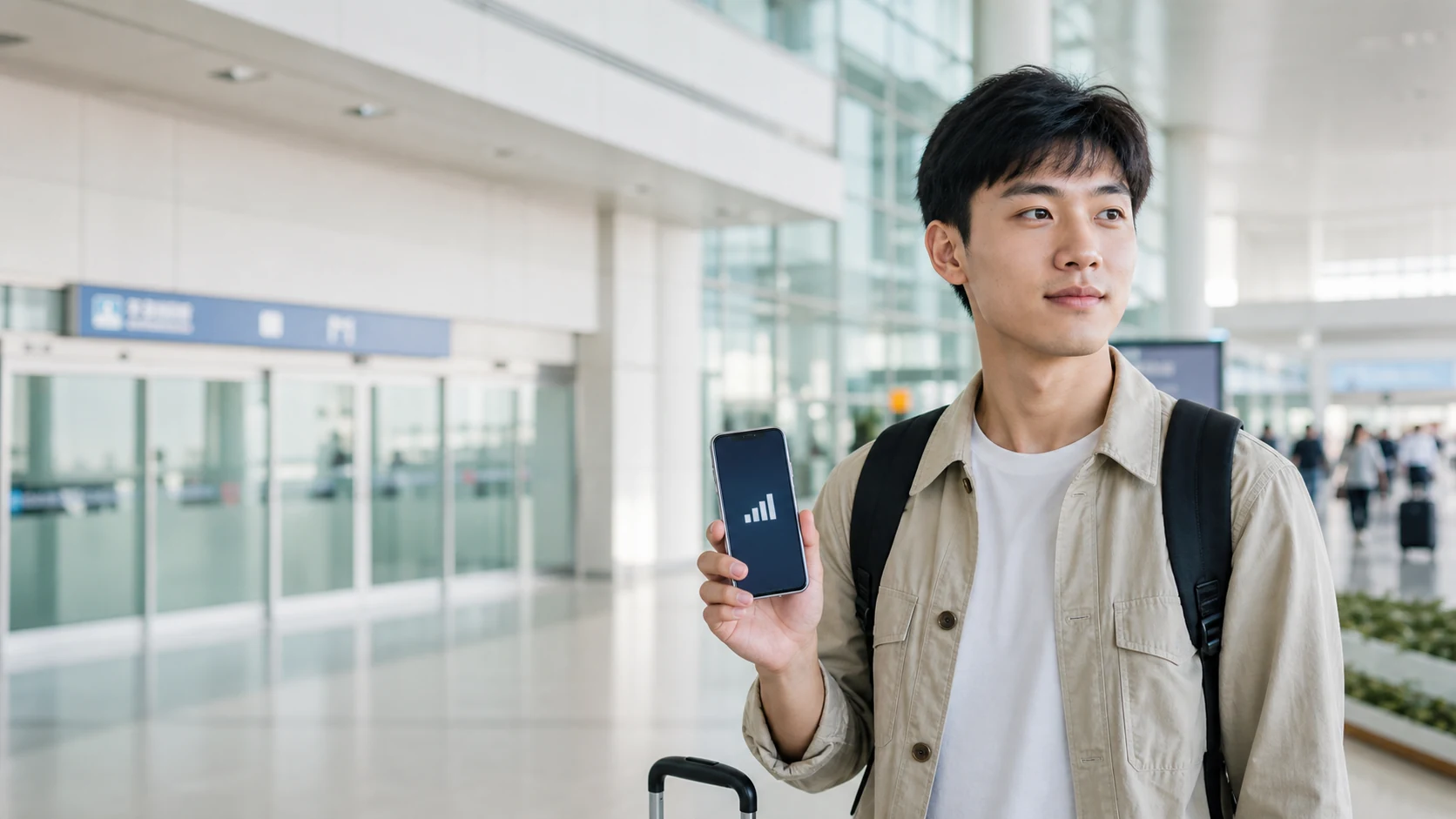
Check phone support before comparing plan prices
Start with the exact phone model and sales region. Check eSIM support, carrier lock and any device-management limits before comparing plans. If the phone cannot add an eSIM, arrange a compatible device or another SIM option before departure.
Use checking whether your phone supports eSIM first to confirm compatibility. Installation steps differ by device: follow the iPhone installation and mobile data setup guide for iPhone, the Samsung guide for Samsung, or the Android guide for other Android models.
Set validity dates separately from data allowance
Once the phone is compatible, compare the plan’s start trigger and covered dates.
A five-day, four-night trip may need a different validity window depending on landing and departure times. Use how many days to buy a Korea eSIM for to count the first and last periods that need data, then estimate the allowance with how many GB you actually need. Validity days and data volume solve separate questions.
“Unlimited” plans can still have high-speed caps, traffic management, tethering limits or fair-use terms. A fixed allowance may be enough for maps and messages. Compare the real trade-offs of unlimited Korea eSIM, then choose based on choosing a Korea eSIM based on travel pace and the exact product conditions.
Identify the connection task your itinerary cannot lose
Identify what must work when you have no Wi-Fi: navigation, meeting companions after an event, sharing data, or receiving a code on your Taiwan number. That use case determines which plan conditions matter most.
For groups, confirm the plan’s sharing rules with whether Korea eSIM can share hotspot. Check whether eSIM needs a phone number if you need a local number, and how to keep your Taiwan number receiving texts for keeping your Taiwan number available for texts.
Prepare installation before the airport, following the plan rule
Save the order details and installation instructions while connected to reliable Wi-Fi. Follow the provider’s trigger rule: validity may start at installation, first connection or another specified event. Do not scan early unless the product terms confirm when the clock starts.
For a layover, check when to activate Korea eSIM during transit before using a Korea-only plan. Review when it is safest to scan the QR code for QR timing; if data fails after arrival, follow the activation order after arrival before buying another plan.
Troubleshoot by the connection symptom
For fixed travel dates, compare them with the validity dates shown on the exact product page.
Signal bars do not reveal why data fails. Check the selected data line, required roaming and any APN or network instructions one at a time. Avoid deleting the profile or enabling roaming on your home SIM at random; contact the seller if its listed steps do not work.
Choose troubleshooting by symptom: Korea eSIM no-signal troubleshooting for no network, signal but no internet for signal without data, whether APN needs to be set for APN instructions and what to check first when data becomes slow for sudden slowdowns. Change one setting at a time so you can identify what fixed the connection.
Match plan features to your route and travel group
Your route affects what a connection must handle. Crowded concert exits, family members separating and rural Jeju drives create different needs from routine city navigation. Match the plan to the point in your itinerary where being offline would cause the biggest disruption.
Follow the relevant guide for Seoul eSIM, Busan eSIM, Jeju driving eSIM, Korea concert eSIM or mobile internet for group travel group travel; each covers a different use case.
Keep the Taiwan number and Korea data line assigned clearly
You can keep the Taiwan number active for texts while assigning mobile data to the Korea eSIM, but confirm each line’s role and the home line’s roaming setting. Automatic data switching or the wrong line selection can cause unexpected charges or break connectivity.
List which accounts actually need verification texts while abroad. For both lines, see how the original SIM and eSIM coexist; for missing codes, use what to do when verification codes do not arrive. Check any roaming charge with your carrier before departure.
Save offline instructions and a fallback
Save the accommodation address, offline map, booking details and support contact where you can open them without data. Keep the original QR and check the provider’s reinstallation rule before removing a profile.
Before purchase, verify the phone, travel dates and main use case against the product terms. Keep a separate fallback for a delayed flight or a companion who may travel apart.
Verify these product details before purchase
Before comparing prices, confirm three product details: it covers Korea, its activation and validity cover your dates, and its data and tethering rules fit your devices. Then use the Korea eSIM purchase page to compare the exact options.
Do not choose a plan only because it is common. Check whether your itinerary includes a late arrival, a crowded event, a split group or a long drive; that is where data conditions can matter more than routine browsing.
If the trip has no special connectivity demands, a plan with clear rules and suitable dates may be enough. Add a feature only when a real itinerary need depends on it.
With compatibility, dates and usage clear, compare the current product terms for Korea.
Go to the issue you are currently stuck on
Related guides and official references
Data and product rules
- Apple Support: Using eSIM
- Samsung Taiwan: eSIM guide
- Incheon International Airport official information
- eSIM product validity, data allowances, and activation rules can change; before purchase, always follow the current terms on the exact product page.
Korea eSIM reference card
A general Korea eSIM reference for checking device support, validity, activation, data use, tethering and common connection problems.
Check device support, coverage, validity and activation rules against your travel dates and intended use; keep the provider’s troubleshooting and reinstall terms available.
Sources checked in this page: Source 1 · Source 2 · Source 3 · Source 4