
KRINAVI TRIP FIT
KRINAVI Trip Fit
70/100Give each adult a way to navigate or reconnect when the family separates; rely on a hotspot only when its terms, battery and range fit.
- Time efficiency70/100
- Route fit70/100
- Planning flexibility70/100
- Weather resilience70/100
- Crowd control70/100
- Value for cost75/100
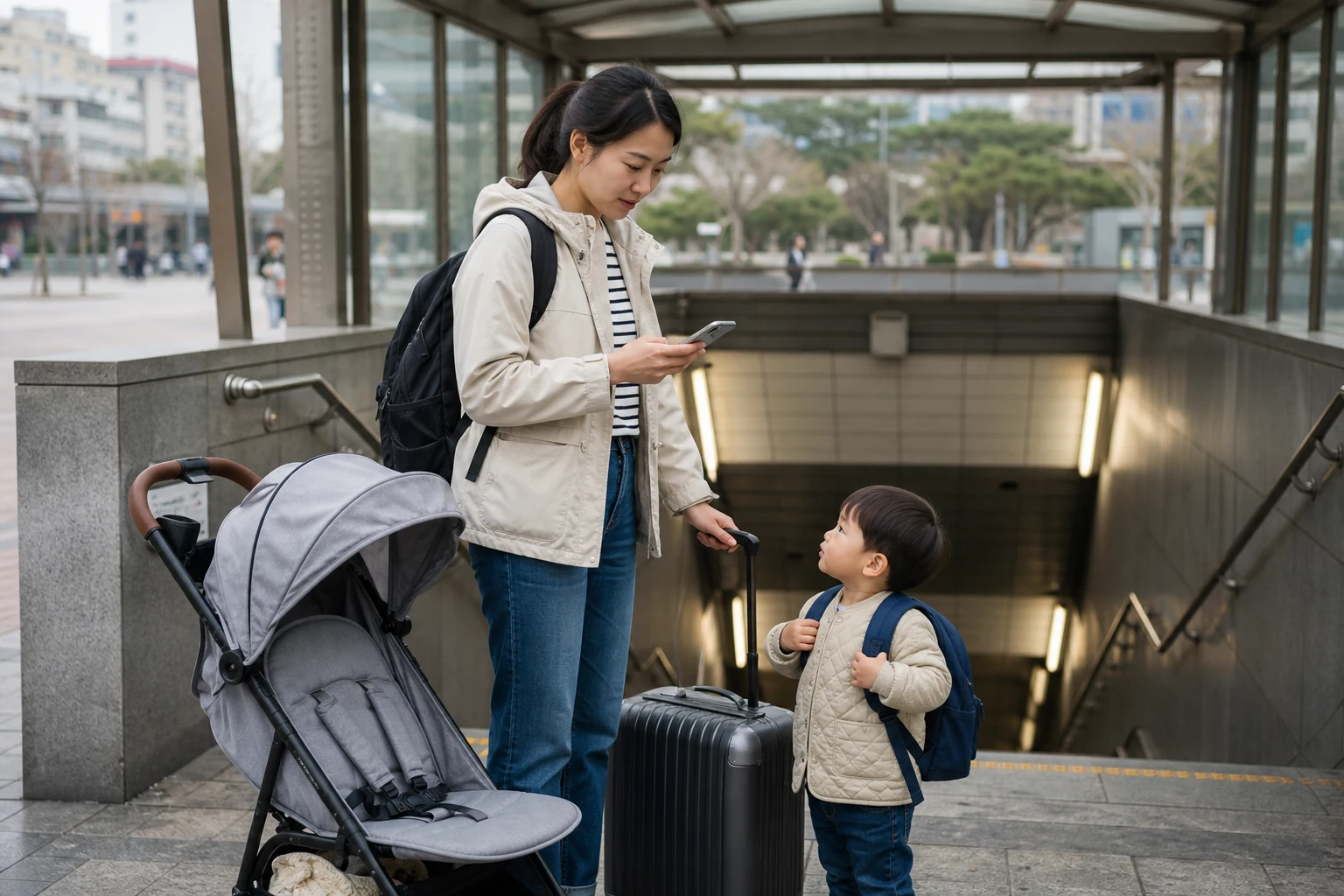
An eSIM for every family member may not be necessary, but adults can split up during transfers, meals or check-in. Decide who needs independent navigation and how everyone will regroup before choosing a data allowance.
Allow time for strollers, luggage and transfers
With a stroller or bulky bags, allow extra time to find the lift and follow a step-free station path. Pin the destination exit and lodging address before boarding; assign one adult to navigate and another to stay with the children and bags through the transfer.
Complete compatibility and activation checks before departure. After landing, assign data to the travel eSIM and test maps and messaging with Wi-Fi off. Follow the chosen plan’s QR and roaming instructions. See: device compatibility check how to activate a Korea eSIM after arrival
A rest stop or changed route can disrupt the day. Keep the hotel address and nearby transit details available so the family can pause or return without searching from scratch.
Compare validity, activation timing and allowance with the flight schedule and first journey to the accommodation.
Agree how the family will reconnect
Choose a meeting point children can recognize and tell them which adult or staffed point to approach if separated. Save the same address and fallback details on more than one adult’s phone.
A shared hotspot works only while its phone is nearby, charged and permitted to share. If adults may take different children or separate with luggage, consider whether both need independent data. Check terms first. See: how to judge hotspot use on a Korea eSIM
Download children’s videos before departure. Background updates and cloud backups can use data and battery; keep mobile data for maps, contact and ticket details.
Keep the home number separate from travel data
A parent may need the home number for bank, airline or hotel messages. Keep mobile data assigned to the Korea eSIM and check automatic switching and home-line roaming. See: settings for a Taiwan number and a Korea eSIM
If there is signal but no data, check the selected data line, roaming and provider instructions before resetting settings. No signal and no data require different checks. See: signal but no data no signal at all
Before choosing whether to share data, check how often adults will separate and what the hotspot plan permits.
Estimate what the parent’s phone will handle
Count maps, translation, photo backup, hotspot and work use on the parent’s phone. A family trip does not automatically require unlimited data. See: how many GB a Korea eSIM needs
A fixed allowance may fit when videos are downloaded, devices use accommodation Wi-Fi and adults stay together. Reserve connectivity for late arrival or separate routes if those situations are likely.
The useful setup is one each adult can operate: a known data line, the accommodation address, a meeting point and a backup contact.
Choose an allowance based on actual device use, including whether children need live data rather than offline content.
Next step for a family itinerary
Check setup before the arrival rush
- Sharing one card as a family: first decide whether hotspot use is reliable
- Keeping verification SMS: set up the home number and travel SIM
- Videos and tablets: recalculate data usage
- Not yet activated: do the first test at the airport
- Still choosing a plan: start from the moment you cannot afford to lose connection
Sources and checks
- Apple Support: mobile data roaming options
- Google Pixel Help: mobile data and SIM settings
- Apple Support: Dual SIM and mobile data settings
- Childcare, transport, medical care, sightseeing, and accommodation arrangements should always follow each service’s latest official rules; an eSIM cannot replace adult supervision or emergency response.
Give children a clear meeting plan
Before leaving, confirm the travel eSIM is active, mobile data is assigned correctly, home-line roaming follows carrier rules, addresses are saved offline and the hotspot phone is charged.
If a child has a device, agree when it may use the hotspot and switch off automatic updates or cloud sync over mobile data. Another adult should also have the accommodation and contact details.
Decide whether one hotspot can cover the group
Complete setup before check-in or transfers begin. Decide who carries the main data line and whether the other adult needs independent service; a hotspot is only a backup while its phone is nearby and charged.
If the family separates in a shop or at a station exit, everyone should know the same fixed meeting point. Save the hotel address in Korean, the first day’s route and emergency contacts offline.
Family connection checklist
Best use of this page: Use this guide to decide whether both adults need independent data.
Core judgement: Consider when the family may separate, what hotspot sharing allows and who carries the connected phone. Keep meeting details offline.
Sources checked in this page: Source 1 Source 2 Source 3 Source 4