
KRINAVI TRIP FIT
KRINAVI Trip Fit
70/100Keep the ticket and return details accessible offline, confirm the data line before the venue, and check whether the group needs separate connections.
- Time efficiency70/100
- Route fit70/100
- Planning flexibility75/100
- Weather resilience70/100
- Crowd control75/100
- Value for cost70/100
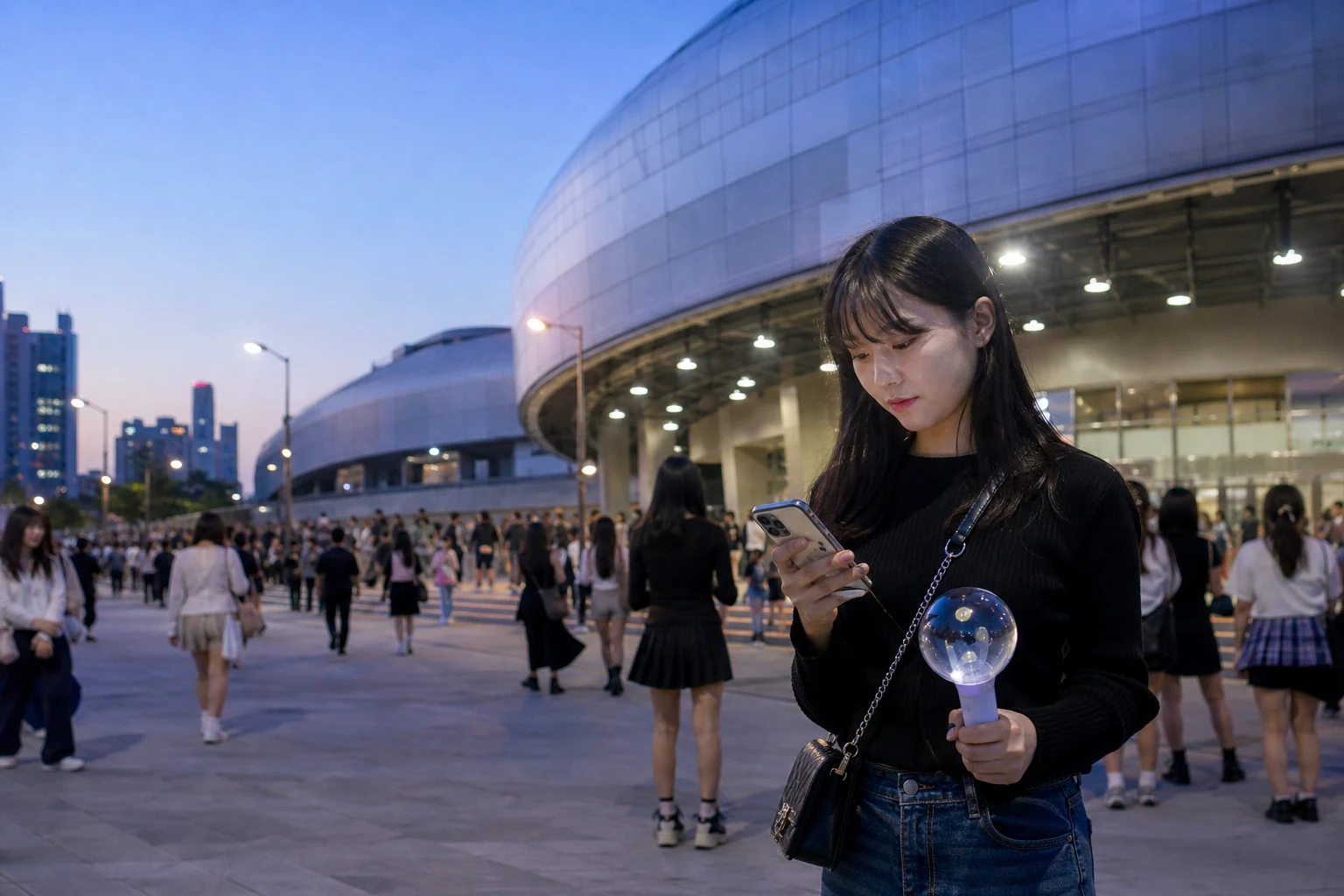
Concert use comes in short bursts: ticket access, venue directions, messages to companions and the trip home. Estimate the plan around these tasks; video uploads are a separate choice.
Prepare ticket access before the queue
Ticket rules depend on the organizer and ticketing service. Check whether entry needs an online login, SMS or a live barcode, then save the order number and any permitted offline details. Keep the phone charged and follow the official ticket instructions.
Set up the eSIM before reaching the venue. Confirm the phone supports it and read the QR-code validity rule before installing or activating the profile. See: See also: phone compatibility check QR code start rule
Agree on a named gate or fixed landmark as a meeting point, plus a fallback if it is blocked. Save the venue address and meeting details on each phone so the plan still works when messages are delayed.
Save the hotel address and one route back before the show. If the group will leave late, decide where to regroup before opening ride or transit apps.
Check the exact plan’s validity, data allowance and activation trigger before purchase. The venue name alone does not determine which plan or data amount you need.
Keep contact, directions and data available during egress
A crowded cell can slow pages even when the phone shows signal. Keep the ticket, meeting details and return route accessible offline; repeated SIM switching will not fix local congestion.
Photo backup, livestreaming and repeated video uploads can use more data than checking a map. Pause cellular backups if you plan to record, and leave large uploads for Wi-Fi. For an estimate, see: See also: how many GB a Korea eSIM needs
“Unlimited” does not guarantee a fixed speed or unrestricted hotspot. Compare the current plan terms, including any fair-use or sharing limit, against the way you expect to use the phone.
Use a hotspot only while the host is nearby
A shared hotspot is only useful while its phone stays charged and close to everyone. If friends may separate, each person should have an offline address and a way to reconnect; check the product’s sharing rule first.
Before the event, charge the phone and power bank, and keep data available for ticket access, messages and navigation. Reduce background uploads if the battery or data allowance is limited. For the sharing rules, see: See also: whether a Korea eSIM can share data
If companions might split up, decide who needs their own connection before buying. A single hotspot can cover a short shared period when the plan allows it.
Finish SIM settings before leaving
Confirm that the Korea eSIM is active and selected for mobile data. Keep the home SIM’s data roaming off; follow the provider’s instruction for roaming on the travel eSIM. More detail: See also: the division of roles between your Taiwanese number and Korea eSIM
With Wi-Fi off, open a new page and a map route. If signal appears without data, check data-line selection, plan status, roaming and APN before removing the eSIM. For separate fixes, see: See also: signal but no data no signal at all
Before the final song, check the organizer’s and transit authority’s current exit and service information. Choose a public-transit route and a fallback walking point while there is still room to compare them.
Decide who needs an independent connection
Keep the ticket, venue address, meeting point and return station saved offline. Then confirm that the original number will not take over mobile data. If any of these is missing, fix that before buying extra data.
If one phone will share data, check its battery and the plan’s hotspot terms. Label the travel line so companions know which SIM handles data.
Keep mobile data for ticket access, messages and directions. Record video or upload it later if that fits the plan better.
Once the return route and group plan are set, match the eSIM validity and allowance to the stay.
Before leaving the venue
Carry the same setup into the rest of the trip
- If you film and navigate: go back to data-usage judgment
- Sharing internet with companions: check hotspot limits and risks
- Keeping Taiwanese SMS: assign roles to both SIMs
- Not tested yet: finish the first connection outside hotel Wi-Fi
- Still undecided on a plan: start from the moments that cannot disconnect
Event entry, ticket verification, transport service and exit arrangements vary by organizer and date. Check current official notices before travel.
- Apple Support: mobile data roaming options
- Google Pixel Help: mobile data and roaming settings
- Apple Support: using dual SIM with eSIM
- Ticketing, verification, venue entry, transport, and event arrangements are subject to the latest official announcements from the organizer, ticketing platform, venue, and transport authorities.
Concert-day connection plan
Best use of this page: Prepare the phone and route for a high-crowd concert day.
Core judgement: Keep ticket access, a meeting point and the way home ready; choose a data plan based on actual hotspot needs.
Sources checked in this page: Source 1 · Source 2 · Source 3 · Source 4