
KRINAVI TRIP FIT
KRINAVI Trip Fit
70/100A family setup can be shared or separate, depending on how people travel and what settings they are comfortable managing. Make sure each subgroup has a way to find the hotel and contact the others.
- Time efficiency70/100
- Route fit70/100
- Planning flexibility70/100
- Weather resilience70/100
- Crowd control70/100
- Value for cost75/100
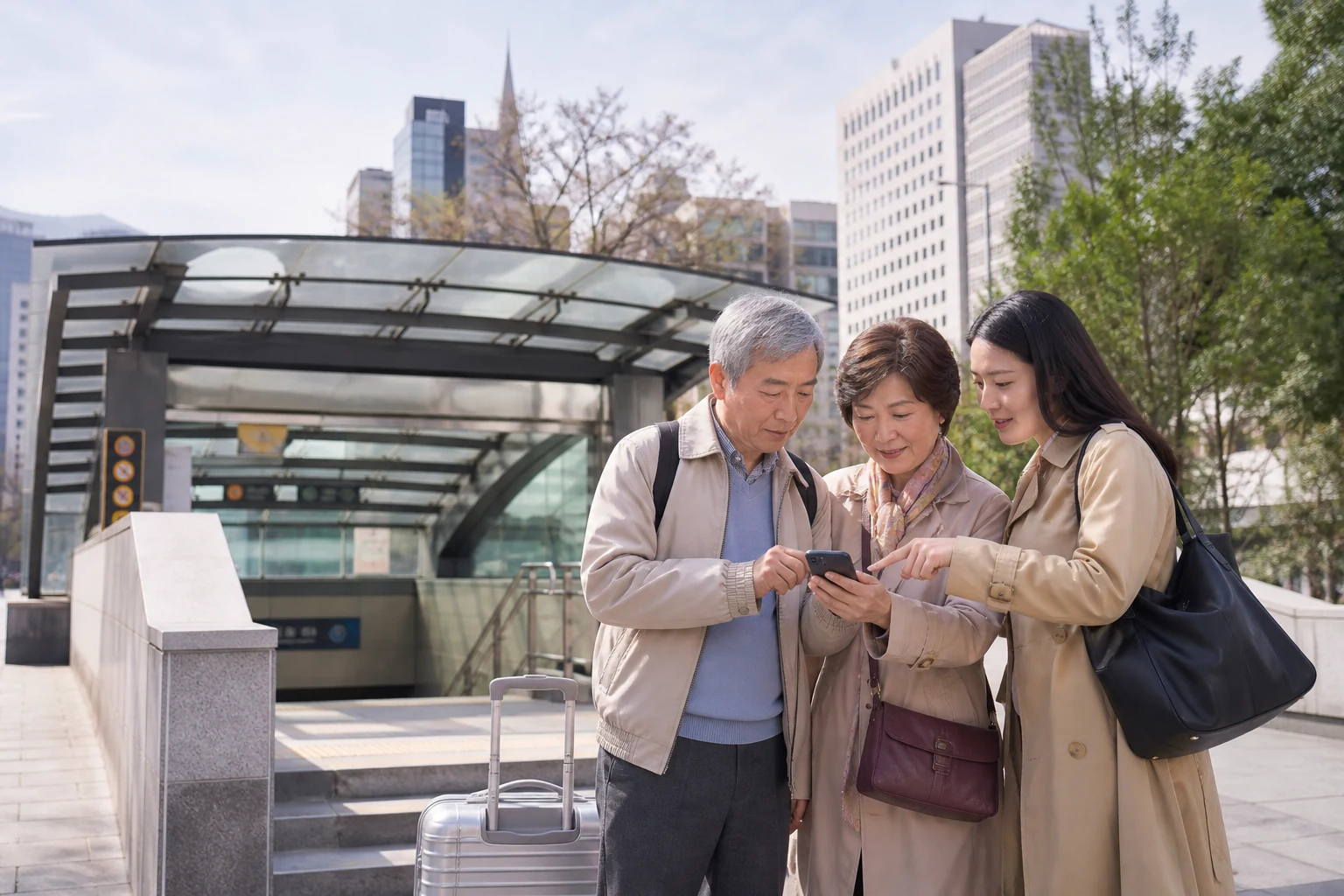
Not everyone needs a separate eSIM. Decide who will navigate, who needs the home number for calls or SMS, and whether anyone may travel independently; keep the hotel address and meeting point available offline.
Set up only the phones people are comfortable using
Save the hotel address, first stop and meeting point offline. Make key contacts easy to identify, and check that the traveller can open a map and reach a companion.
If someone will use their own phone, enlarge text and save familiar places in advance. Check Korea eSIM phone compatibility check for support on that exact model and practice the few controls they will need.
Decide who needs data if the group separates
If the family stays together, one adult’s data may cover the route. If people may split for shopping, a rest or a clinic visit, each subgroup needs a way to navigate and contact the other.
Allow for changes in pace, rain and indoor stops. The person leading each subgroup should have the data and battery needed for maps; others should know the hotel address and meeting point.
Hotel and café Wi-Fi can help indoors but will not provide directions after the group leaves. Estimate maps and messaging with Korea eSIM data estimate before deciding whether shared data is enough.
Choose the plan according to who needs data and whether the group may separate; family members can use different arrangements.
Agree on a meeting plan before entering busy areas
Before entering a station or large shopping centre, choose one meeting point everyone can identify offline. Agree where to wait if messages fail rather than relying on a fixed number of minutes.
If two adults alternate as companions, consider giving both a way to check maps. One hotspot makes the holder’s battery, location and signal a shared dependency; see the pros and cons of using hotspot with a Korea eSIM.
Keep the home number for messages you need
Keep the home SIM available if it must receive bank or family messages, and select the Korea eSIM for data. Check home-line roaming and test a webpage; use troubleshooting order for signal with no data if service appears without data.
If a traveller prefers not to manage settings, an accompanying adult can handle navigation. If they may walk or return alone, prepare a data option they can use without another person’s hotspot.
Put essential trip details somewhere offline
Write the hotel name and address, companion contact and meeting point on a card kept apart from the phone. Share the next transport step with another adult.
Make sure two adults can find the booking and return-flight details. Keep identity and payment documents private; share only the information needed to coordinate the trip.
Decide who may move independently, then provide a data route for each subgroup that could separate.
Test the phones before departure
Practice opening the map, finding the hotel and calling a companion. Charge the phone and carry a power bank, paper address and a small cash reserve.
Match plan validity to the activation time and final trip segment, not just hotel nights. Late arrival and early flights can change the required period; see Korea eSIM day-count guide.
Before leaving, test the Korea data line, home-number SMS, map and messaging on familiar Wi-Fi. Confirm another adult knows the offline meeting plan.
Use the arrangement with the fewest steps that still covers independent movement. Comfort with the phone and the group’s plans matter more than age.
Keep a fallback that works without mobile data: the hotel address, a companion contact and an agreed meeting place.
Keep the travel line available until the final journey segment ends. At home, restore the original service and check roaming. whether a Korea eSIM includes a phone number explains whether a travel eSIM includes a number.
Before departure, confirm who carries the hotel address, who can contact the group and which SIM supplies mobile data.
Further reading
Sources and verification
- Apple Support: Use Dual SIM on iPhone
- Samsung Support: manage Galaxy dual-SIM settings
- eSIM compatibility, activation steps, and hotspot conditions should still be checked against the named product page and the device maker’s current instructions before payment.
Korea family eSIM decision card
Best use: plan simple phone, data and meeting arrangements for a Korea family trip with older adults.
Decision: match independent data to the group’s movements, preserve needed home-number messages and keep essential details offline.
Sources checked in this page: Source 1 · Source 2 · Source 3 · Source 4