
KRINAVI TRIP FIT
KRINAVI Trip Fit
70/100Ski-day connectivity
- Time efficiency75/100
- Route fit70/100
- Planning flexibility70/100
- Weather resilience75/100
- Crowd control70/100
- Value for cost70/100
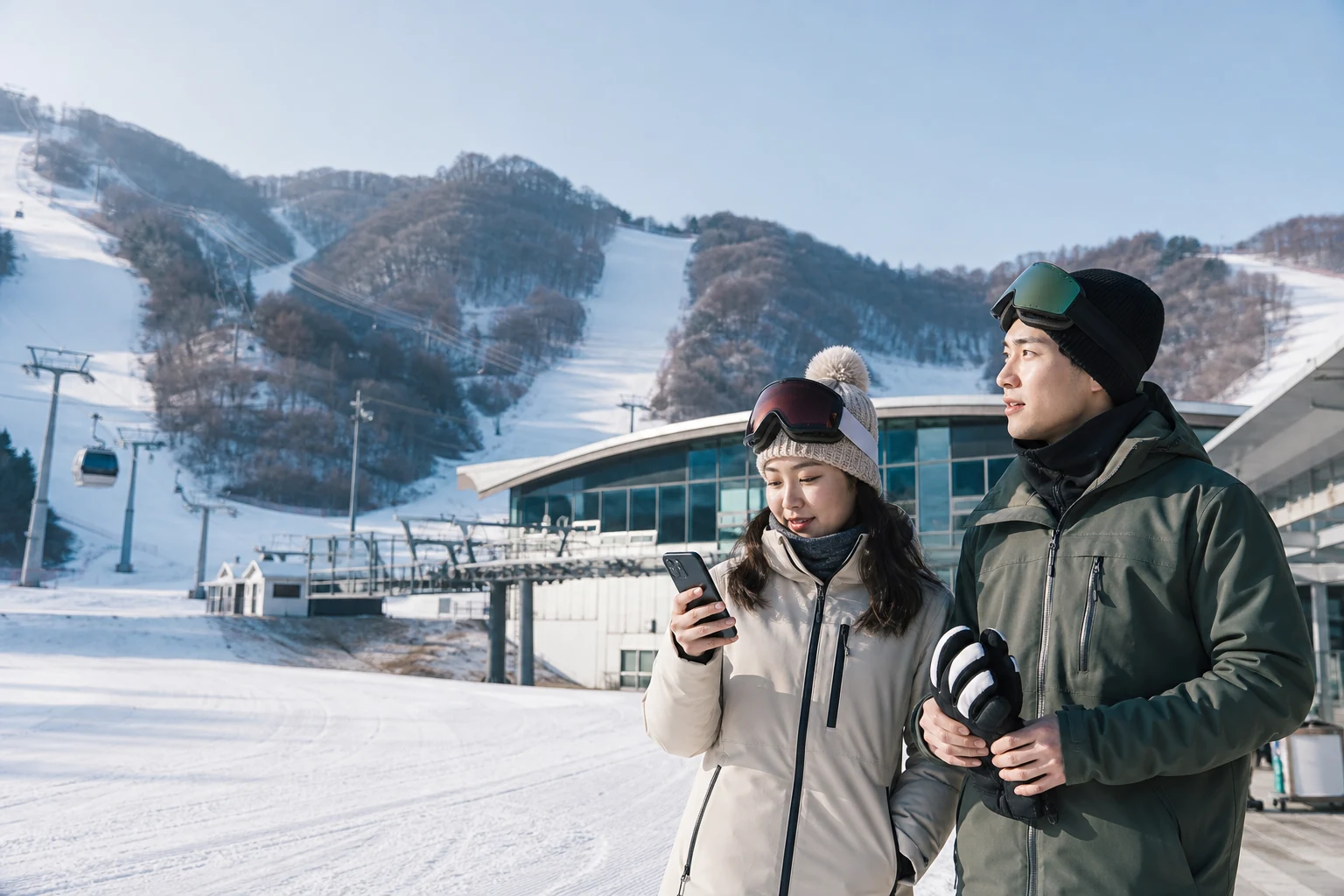
A Korea eSIM that covers the full itinerary can also serve a resort day. Before leaving Wi-Fi, save the booking, transport and meeting details you may need outdoors, where reception or battery life can be less predictable.
A weak signal and a cold, depleted battery need different checks. Terrain and buildings can affect reception; cold can shorten battery life or interrupt device operation. Check the battery and where the phone is being used before changing network settings.
Save bookings and transport details before leaving Wi-Fi
Save the shuttle’s pickup and return times for your date, the operator’s contact, lesson or rental details, locker information and the meeting point. A resort’s general season notice does not confirm transport for a specific booking; follow the operator’s reservation instructions.
Keep the booking reference, participant names and ticket access available offline. Save a QR image only when the ticket terms allow it; otherwise keep the collection instructions and reference for the base counter.
For a late arrival from Seoul, test the eSIM before the ski day; see eSIM activation sequence for late-night arrivals. Save the specific rental desk, lesson counter, lift station or parking pickup point, not only the resort name.
Check the plan’s Korea coverage, validity dates and remaining high-speed data against the whole trip. A separate profile for one outing is unnecessary if the current plan remains valid and has enough data.
Separate reception problems from cold-battery symptoms
Reception can vary between the base building, lift routes and higher slopes. A short interruption while moving between areas does not by itself show that the resort has no service or that another plan will work better.
If service stops, move to a safe place and check the selected data SIM, provider-required roaming and automatic network selection. Use Korea eSIM no-signal check order when there is no signal; use split approach for signal with no data when a carrier appears but data does not load.
Do not delete the eSIM outdoors or while the group is waiting. Some providers restrict reinstallation. Contact the provider over Wi-Fi and use a companion’s connection for shuttle or accommodation messages in the meantime.
Keep the phone dry and warm
Apple says cold conditions can affect device operation and battery. Keep the phone dry in an inner pocket and take it out only when needed. If it shuts down, let it warm gradually indoors before testing it again.
Keep the phone and power bank dry, protect charging connectors from snow and avoid sudden high heat indoors. Start with a charged phone; cold can also reduce a power bank’s performance.
Download the resort map, tickets and return route before leaving. Pause automatic backups and video uploads. If you plan to tether, check the battery drain and limits of hotspots on Korea eSIMs for battery use and plan limits.
Compare remaining high-speed data, fair-use rules and any tethering limit before buying an add-on. A second eSIM will not solve a cold battery or a temporary reception gap; consider it only if the current plan expires early, excludes Korea or lacks the data needed.
Agree on a meeting point and return plan
Choose a fixed meeting point, a specific time and a clear late-arrival contact. Each traveller should keep the shuttle return point and accommodation address on their own phone.
If the group separates, use the agreed meeting point and contact the operator or instructor from a working phone. Families and solo travellers can adapt how to split an eSIM for a family trip to Korea and the backup plan for a solo traveler whose phone stops working to keep a backup contact and route.
Save ticket and route details offline
Use mobile data for tickets, shuttle updates and messages. Check lift openings, weather and route restrictions in the resort’s own notices, then follow signs and staff instructions; a map cannot confirm that a closed trail or lift is operating.
Unlimited plans may reduce speed after a fair-use threshold, and tethering can have separate limits. Check the real limits of unlimited Korea plans before deciding whether one person should share data with the group.
Use data for tickets and transport updates
Allow time to return rental gear, collect belongings and walk to the pickup point. Check the return shuttle time before the lifts close and set a reminder to leave.
If the phone shuts down outdoors, let it warm naturally in a dry indoor place before charging or troubleshooting. Use a companion’s saved ticket and contact details to handle the return trip first; do not repeatedly restart the phone or delete the profile.
Check the return shuttle before lifts close
Related ski-day guides
- Korea Tourism Organization : Korean ski resorts and official links
- Apple Support: What happens to iPhone or iPad in extreme heat or cold
- Apple Support: iPhone battery charging and low-temperature endurance
- SK Telecom: Korea mobile network coverage map
- Resort schedules, shuttle service, lift status and weather can change by date. Check the resort and transport operator on the day of travel.
Korea eSIM decision card
Sources checked in this page: Source 1 · Source 2 · Source 3 · Source 4