
KRINAVI TRIP FIT
KRINAVI Trip Fit
70/100Solo travel and a Korea eSIM
- Time efficiency70/100
- Route fit75/100
- Planning flexibility70/100
- Weather resilience70/100
- Crowd control70/100
- Value for cost75/100
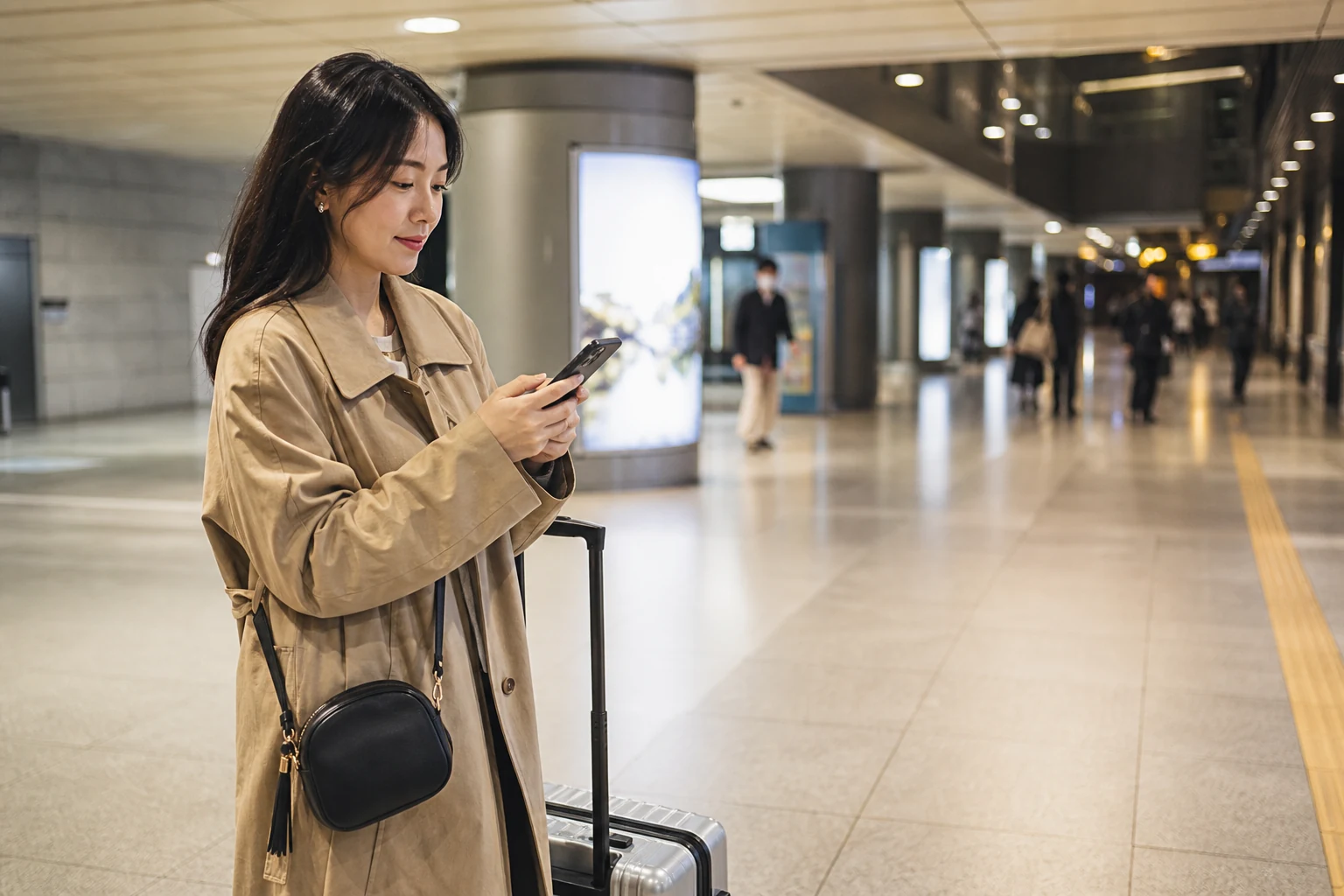
A Korea eSIM can handle mobile data after arrival, but a solo traveller has no companion’s phone to fall back on. Keep the details needed to reach your stay, contact someone and pay for a ride available outside the main device.
Keep essential details accessible without your phone
Save the accommodation name, Korean address, contact and check-in steps somewhere you can access if the phone is flat or lost. Keep a small amount of cash or a physical card separately from the phone.
A wallet card with the lodging address and a trusted contact can be enough for a basic fallback. Store passport or payment copies securely; do not put full identity details in a public folder or group chat.
For a late arrival, save the route and check-in method before departure; the the late-arrival activation guide explains when to activate the line.
Check phone compatibility, activation timing and validity before choosing a plan that covers the arrival and departure dates.
Share check-ins without constant location sharing
Share a few useful check-ins, such as arrival at the accommodation, a city change and returning at night. A trusted contact can know your area and expected return without receiving continuous location updates.
Agree when you will send an update and who to contact if you miss it. Share only the trip details needed for that arrangement, not passport, payment or account-recovery information.
If the Taiwan number needs to receive bank OTPs or airline messages, keep it active but assign mobile data to the Korea eSIM. Use the the dual-SIM setup guide to set the two lines separately.
Set a battery threshold before the trip
Below a chosen battery threshold, stop background photo uploads and video, then keep the battery for maps, transport and messages. Carry a charged power bank where you can reach it.
If reception drops underground or in a building, move to a safe place with staff before troubleshooting. Do not walk while looking at a map or repeatedly reload it; open the saved address and finish the next leg first.
For hotspot use, check battery drain and plan limits in the hotspot battery and plan guide. Save large uploads for accommodation Wi-Fi so the main phone remains available for navigation.
Choose the data amount after checking trip length, city changes and any hotspot use. Avoid buying a larger plan only to cover a task that can be done offline.
Troubleshoot from a safe place
If bars disappear, follow the no-signal checklist. If a carrier appears but pages do not load, use the signal-without-data checklist; change one setting at a time and do not delete a profile before checking its reinstall terms.
If the phone is lost or damaged, use another trusted device or a staffed service desk for essential bookings. Avoid entering account credentials over an unknown open Wi-Fi network.
Plan for a lost or damaged phone
Before departure, store the order reference and provider support route somewhere accessible from another device. Ask the provider about transfer or reissue before scanning the same QR code on a replacement phone.
Check recovery methods for important accounts before travel. Keep backup codes separate from the device and confirm that you can reach bookings, flights and payment accounts if your usual authenticator is unavailable.
Check whether a service needs a Korean number
A data-focused eSIM may not include a Korean phone number. Some queues, delivery services or event contacts may require one; check the exact service and alternatives in Korea eSIM phone-number terms before relying on it.
If a service requires a local number, ask the accommodation about contact help or use a platform that accepts your usual number. Choose a workaround before reaching a venue or pickup point.
Keep a physical payment method and small cash reserve separate from the phone and passport. That gives you another way to pay for transport or food if the device or mobile payment fails.
Save a clear route back at night
Save the nearest station exit, an identifiable landmark and the address of your accommodation. At night, use a route and transport option you can verify before leaving rather than improvising after your battery is low.
If a show or activity ends late, message your accommodation or trusted contact and confirm the route home before sharing photos. See the concert-day separation guide for planning around crowds and separation after an event.
You do not need two phones or the largest data package by default. Keep the essential address and recovery details somewhere else, decide who expects a check-in and protect enough battery to get back.
Before departure, check the eSIM dates and provider support, save the accommodation details offline and confirm your low-battery and lost-phone fallback.
Separate payments and account recovery
Official device guidance
- Apple Support: Use eSIM on iPhone
- Samsung Taiwan: Galaxy eSIM and support information
- Korea Tourism Organization: travel assistance and emergency contact information
- eSIM transfer, reinstallation, hotspot, and start-date rules vary by exact product; before departure, follow the phone maker, the named product page, your insurance, and official travel information.
Korea eSIM decision card
Best for: solo travellers who want mobile data while keeping lodging, payment and contact options available if one phone fails.
Core judgement: Use a Korea eSIM for data, but keep essential details and recovery methods accessible outside the phone and decide how you will check in.
Sources checked in this page: Source 1 · Source 2 · Source 3 · Source 4