
KRINAVI TRIP FIT
KRINAVI Trip Fit
70/100Transfer and reinstallation rules depend on the travel eSIM provider and plan. Keep a working profile active until you have a confirmed next step.
- Time efficiency70/100
- Route fit70/100
- Planning flexibility70/100
- Weather resilience70/100
- Crowd control70/100
- Value for cost70/100
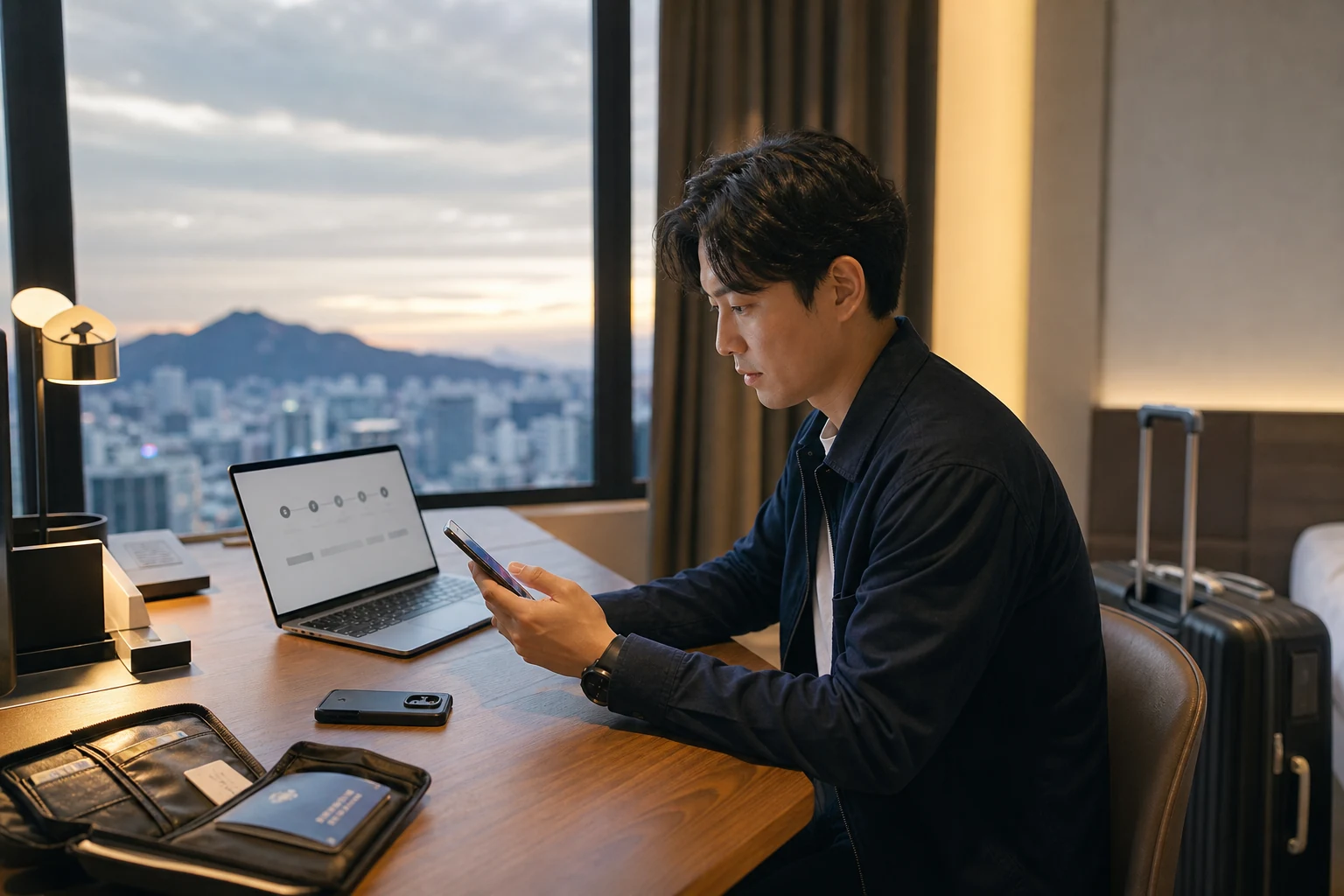
A travel eSIM may not transfer just because the phone has a transfer feature. Check the exact provider and plan rules before deleting a working profile; if the device is lost, secure accounts and essential trip details first.
A planned phone change, a broken device and a lost phone need different steps. If the original phone is available, keep the profile active while checking the provider’s policy. If it is lost, secure accounts and essential trip details first.
If the old phone still works, keep the profile active
Keep a working profile on the old phone while you check the device-change rules on trusted Wi-Fi. Save the order number, plan name, validity and support route somewhere accessible from another device.
Read the named provider’s transfer, reinstallation or reissue policy. Apple and Google device-level transfer features still depend on carrier support; a travel eSIM may follow different rules.
Before switching, check that the replacement phone supports eSIM and has no carrier or regional restriction. Use Korea eSIM phone compatibility check for the device check and keep the original profile until support confirms what to do.
If the current plan cannot move, compare options for the remaining travel days and activation rules before ordering again.
If the phone is lost, secure the device and accounts
If the device is missing, move to a safe place and use its official finding service to lock or mark it lost. Contact the venue or police where appropriate, then secure account access from a trusted device.
If the phone received home-number verification texts, contact that carrier about blocking or replacing the SIM. Change important passwords and revoke sessions as needed; the travel eSIM does not protect the missing home number.
Keep the hotel address, companion contacts and next transport details offline. how to get back to your accommodation after your phone stops working covers getting back when the phone is unavailable. Use trusted Wi-Fi or a companion’s connection while arranging support.
Give support the order details it needs
Send support the order number, plan name, old and replacement models, current location and full error message through its official channel. Ask whether the old profile can be revoked and reissued.
Describe the installation and device change, then ask whether this exact order can transfer or be reissued. If not, ask how remaining validity or unused data is handled; do not assume a refund.
Pause repeated scans, resets and deletions while support checks the order. Keep an error screenshot and list the steps tried. Do not share a QR code, full ICCID or payment details publicly.
If support confirms that recovery is unavailable, check the replacement device, remaining trip days and new plan activation rules before buying again.
Test service on the replacement phone
On the replacement, choose the travel eSIM for data and enable roaming only if its instructions require it. Test a webpage with Wi-Fi off; use troubleshooting for signal with no data or no-signal and network selection checks if data or service fails.
Test maps, messages and accommodation contacts before restoring other services. Wait for the carrier to restore your home-number SMS, then use how to split duties between your Taiwan number and Korea data line to assign calls, texts and data to the intended SIMs.
For a loan phone, restore only what the trip needs. Set a screen lock and device-finding option; remove sensitive information later from a trusted connection.
Keep recovery details outside the handset
Keep the provider name, order reference, plan, validity, support link and phone model separate from the handset. A QR backup helps only if the provider permits reuse.
Set backup sign-in methods for email and your password manager. Share accommodation and next-leg details with a companion without circulating identity or payment files.
Follow the provider’s installation and validity timing. where the risk begins when scanning a QR code explains why scanning a QR code is not the same as activating a line; do not test reinstallation by deleting a working profile.
Choose a fallback for the remaining trip
With only a short stay left, a replacement short-term plan may be simpler if recovery is ruled out. For a longer stay, compare validity, top-ups and hotspot terms.
Restore basic connectivity first, then follow up on the original purchase. If the old phone still works, keep its profile active until the provider answers.
Reinstallation depends on the plan, profile status, device and provider decision—not on possessing the QR image. Keep the working setup until you have a confirmed alternative.
If support rules out recovery and you still need data, compare current plans for the remaining trip.
After service returns
Official device guidance
- Apple Support: set up and transfer eSIM on iPhone
- Google Pixel help: transfer a SIM to a new phone
- Apple User Guide: mark an iPhone as lost and protect the device
- Google Account help: find, lock, or erase a lost Android device
- Different travel eSIMs have different installation limits, transfer rules, reissue policies, refund terms, and validity periods. Before deleting or reinstalling anything, use the specific order and the provider’s latest official answer as your reference.
Decision card
Best use: choose the next step when a Korea travel eSIM needs to move to a replacement phone or the original device is lost.
Decision: preserve any working profile, secure a missing device, confirm provider policy and test replacement service in stages.
Sources checked in this page: Source 1 · Source 2 · Source 3 · Source 4